Simplify Your Trading with our industry leading tools.
Effortlessly manage trades, automate executions, and get the most out of MetaTrader with our Trade Assistant.











Powerful Features to Enhance Your Trading.
Discover how our suite of 65+ professional tools can transform your strategy and sharpen your edge.
Enter Positons
Seemlessly
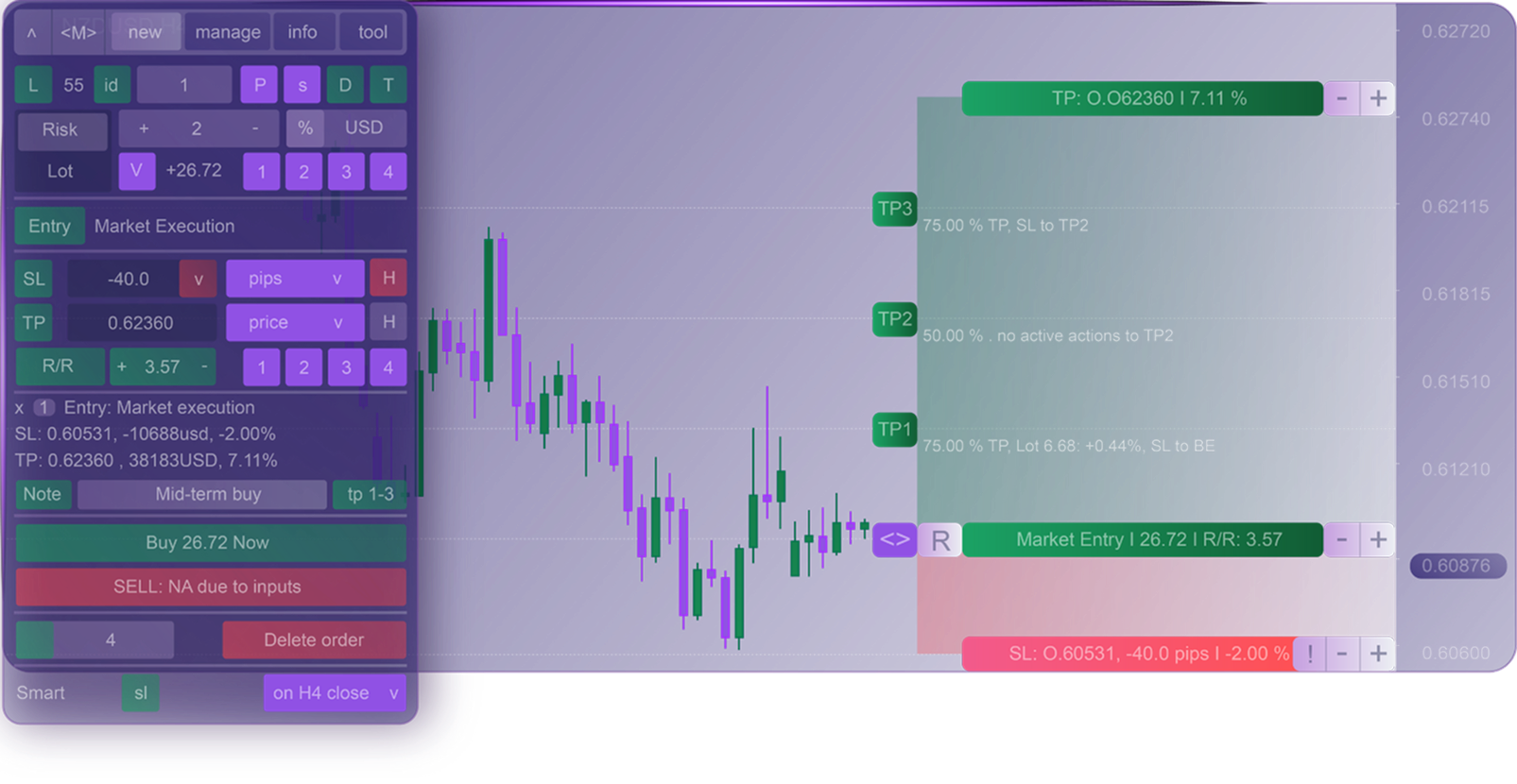
With automatic risk/reward calculation, automatic lot calculation, trade visualizers, and so much more, we take the hassle out of trading, so you can focus on what makes you money, and let our tools handle the little things.



Get Personalized Trade Statistics
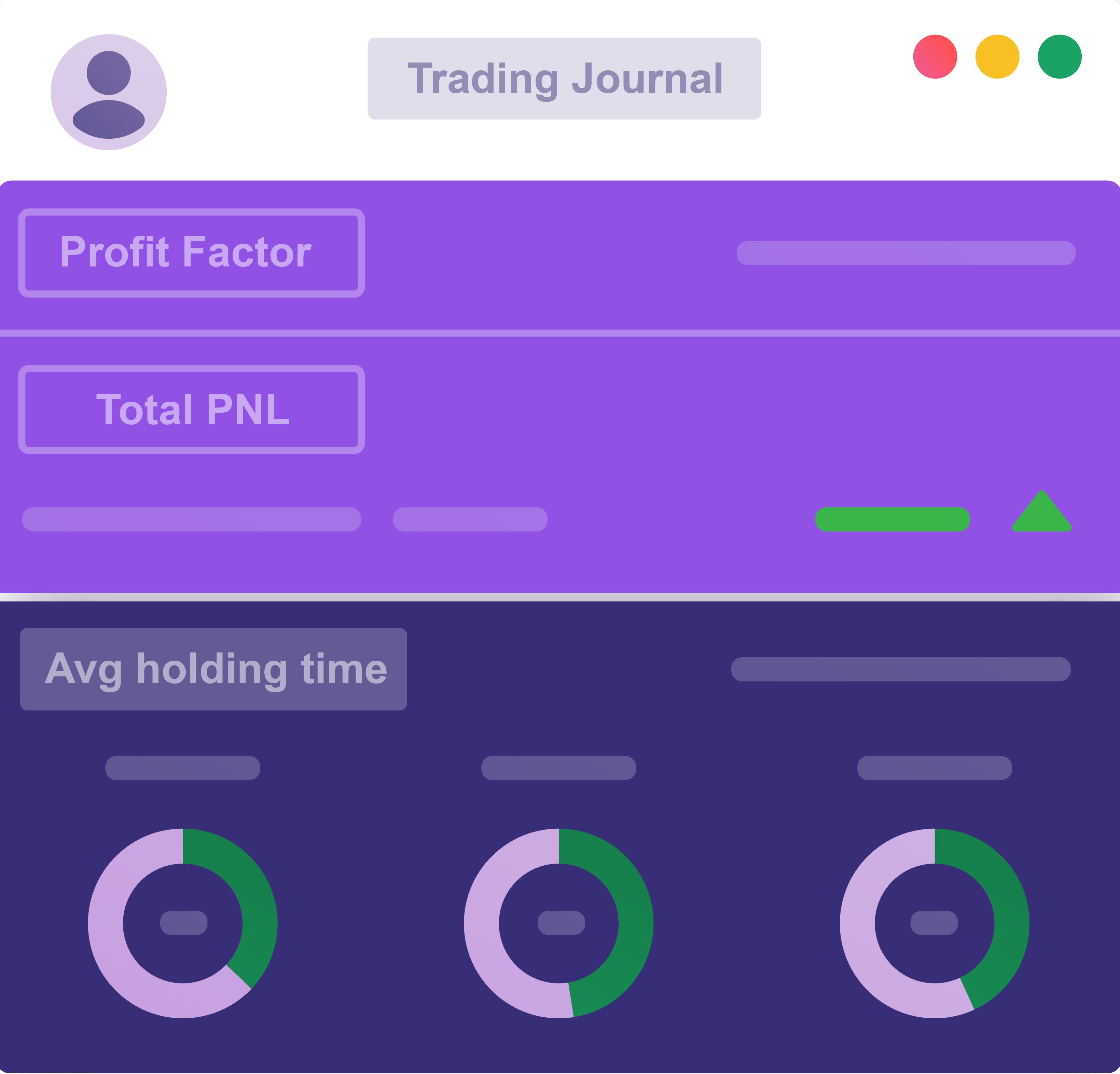
We've created a built in a journal to our Trade Assistant that will automatically track and review your trades, so you can see the statistics of your strategy in real time.
The Trade Assistant will show you your win rate, your average RR, average holding time, most profitable pairs, and so much more!
To view a full list of our features, visit our user manual
Easily Manage
Your Trades
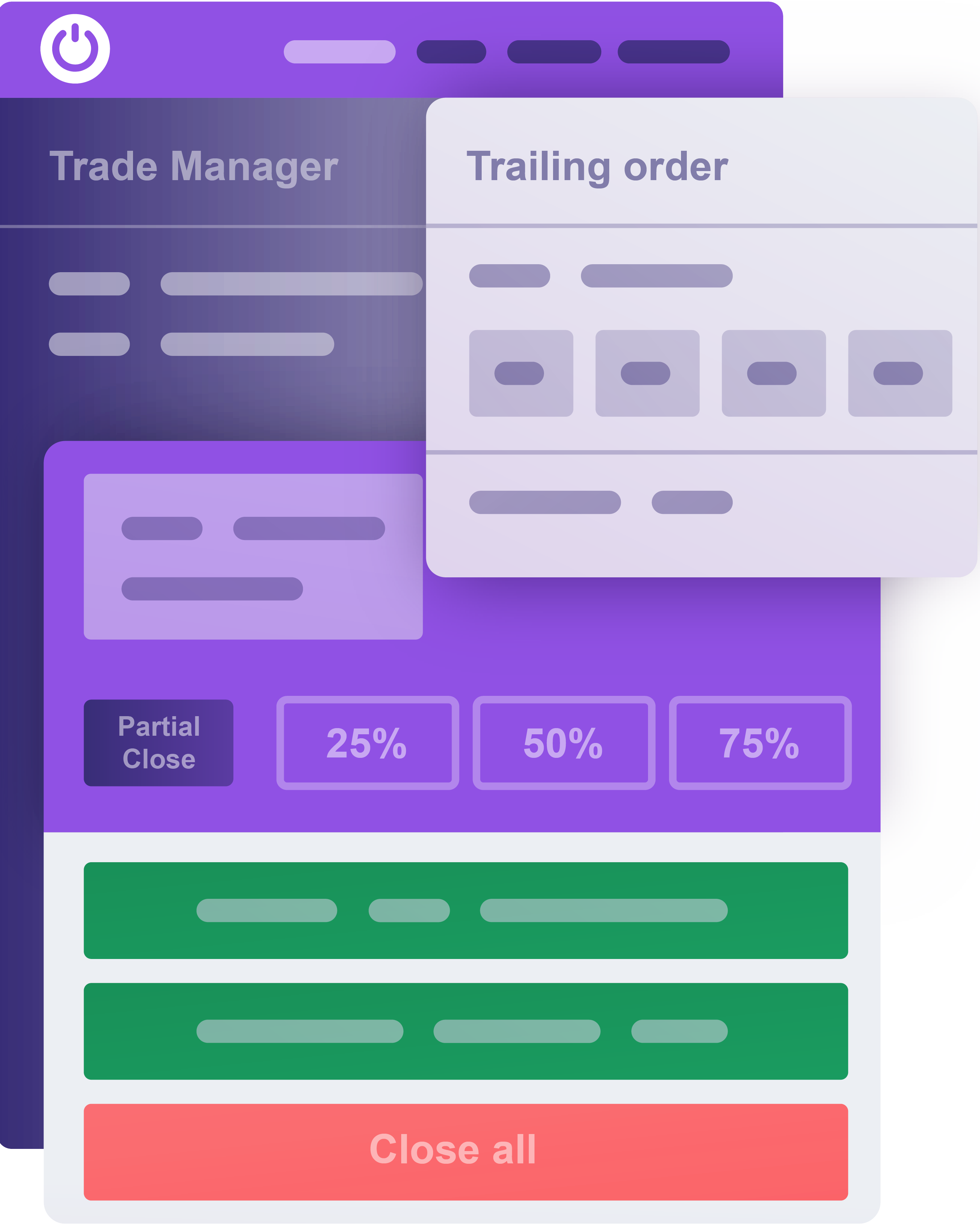
Our tools enable you to view and manage all of your trades seamlessly, and make any needed adjustments with a click of a button. Whether you need to create multiple PTs, add a trailing stop, turn on auto-breakeven, or partially close your positions, we have it all!
Conditional Orders & Trade automation
We've created a built in a journal to our Trade Assistant that will automatically track and review your trades, so you can see the statistics of your strategy in real time.
The Trade Assistant will show you your win rate, your average RR, average holding time, most profitable pairs, and so much more!
To view a full list of our features, visit our user manual
Integrate With Popular Firms
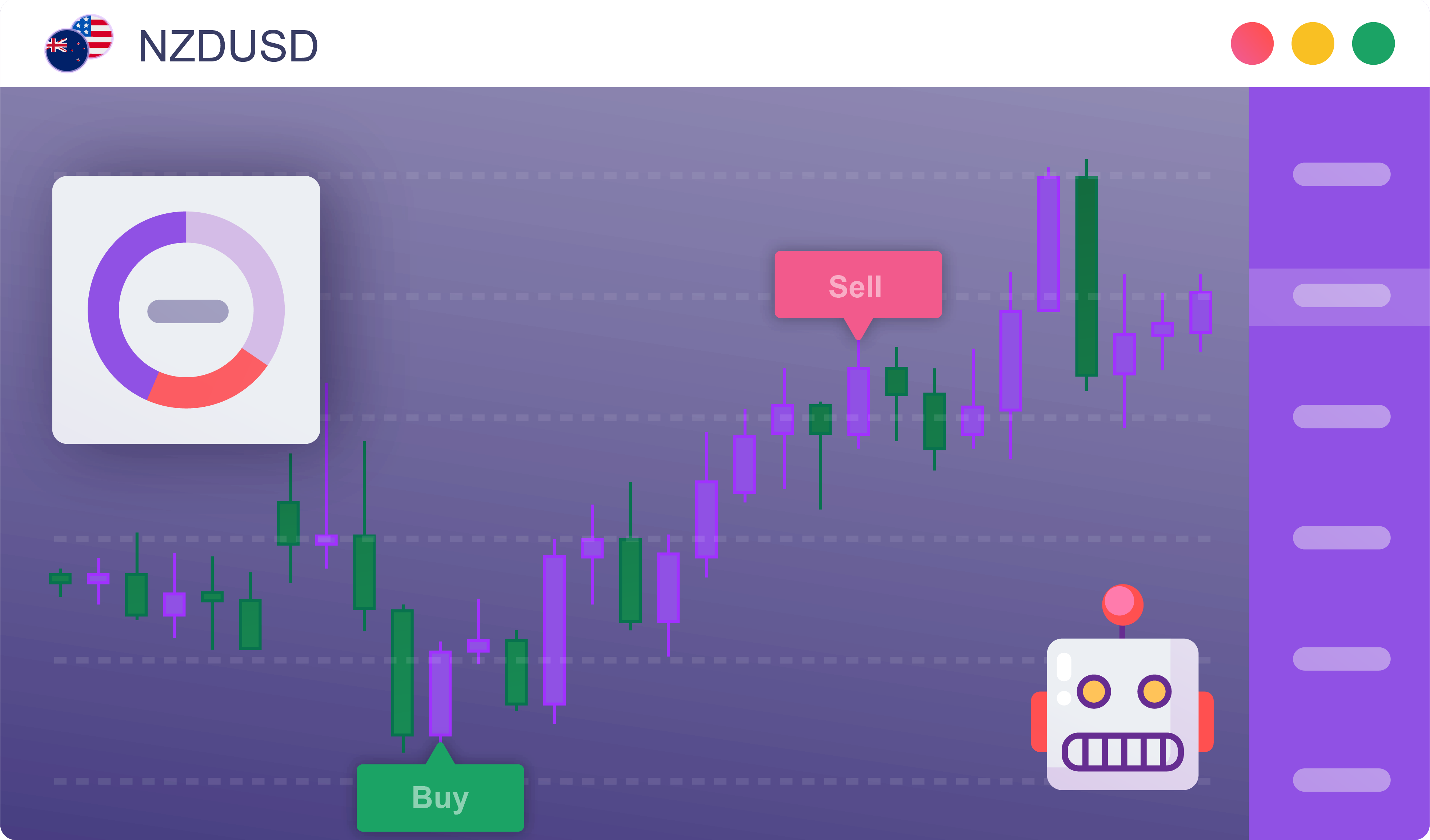
Our Trade Assistant integrates with MetaTrader 4 & 5. If you are struggling using plain MetaTrader, you've found your solution!
Majority of online brokerages, as well as online prop firms allow the use of our Trade Assistant. If you are unsure about your specific firm, please check their terms of service before purchase.

Getting Started With
Our Trading Assistant
See how easy it is to install and start using our Trade Assistant in just three steps.
.png)
Complete your purchase
Please provide your MetaTrader ID upon checkout. This step is crucial for your MetaTrader account to receive the proper licensing to use our tool.
.png)
Install the file
Install the setup file onto the computer you are using to trade.
MetaTrader should automatically add the tool to your "expert advisors" dropdown.
.png)
Launch the Trade Assistant
Once installed, go to the "expert advisors" section, launch the assistant, and enter your activation key. If you're having trouble, follow our setup tutorial Here.


What Other
Traders are Saying
Hear from traders who use our tools!

"Excellent tool to manage risk with various options , Quick support... very responsive. Thank you for systematizing my trading journey."

"Brilliant piece of kit. I scalp gold on the 5min and this tool makes layering in a breeze as I can control the size of my SL & TP trades as I need to. The team also is very responsive to suggestions. Highly Recommend."
.png)
"This utility's features are just amazing. They have completely redesigned my trading strategy with a;; of the new tools I have access to. I have no idea how I was using MetaTrader without this tool."
.png)
"I don't know how anyone uses MetaTrader without this tool, its an absolute lifesaver. I highly recommend it, and I've gotten three of my friends to buy it already!"
"Excellent tool to manage risk with various options , Quick support... very responsive. Thank you for systematizing my trading journey."
"Brilliant piece of kit. I scalp gold on the 5min and this tool makes layering in a breeze as I can control the size of my SL & TP trades as I need to. The team also is very responsive to suggestions. Highly Recommend."
"This utility's features are just amazing. They have completely redesigned my trading strategy with a;; of the new tools I have access to. I have no idea how I was using MetaTrader without this tool."
"I don't know how anyone uses MetaTrader without this tool, its an absolute lifesaver. I highly recommend it, and I've gotten three of my friends to buy it already!"
.png)
"I wouldn’t be able to effectively trade my Trade Plan without this tool. The tool seems intimidating at first with all its many options, but after you take the time to learn it, it’s simple and very intuitive to use. It has everything you need to efficiently execute your trading plan."
.webp)
"Trade manager works perfectly for scalping. The team showed me how to use it which was extremely helpful. Perfect for risk management and for calculating TP partials."

"Excellent set of utilities that cover virtually all aspects of trading, from trade setups, risk control, trade management and trade statistics. The team is also constantly improving the tool, so I get updates every few weeks with cool new features."
"I wouldn’t be able to effectively trade my Trade Plan without this tool. The tool seems intimidating at first with all its many options, but after you take the time to learn it, it’s simple and very intuitive to use. It has everything you need to efficiently execute your trading plan."
"Trade manager works perfectly for scalping. The team showed me how to use it which was extremely helpful. Perfect for risk management and for calculating TP partials."
"Excellent set of utilities that cover virtually all aspects of trading, from trade setups, risk control, trade management and trade statistics. The team is also constantly improving the tool, so I get updates every few weeks with cool new features."


Flexible Pricing Plans for Every Need
Choose the plan that best fits your needs and
optimize your trading today!
Monthly
Perfect for traders looking to try out the Trade Assistant.
Built in lot-Size calculator
Strategy automation tools
Risk/Reward adjustment tool
Trade management tools
Built in lot-Size calculator
Over 65+ tools!
Lifetime
Ideal for committed traders who love our tools.
Built in lot-Size calculator
Strategy automation tools
Risk/Reward adjustment tool
Trade management tools
Built in lot-Size calculator
Over 65+ tools!

Quarterly
A great option for traders looking for a cost effective plan.
Built in lot-Size calculator
Strategy automation tools
Risk/Reward adjustment tool
Trade management tools
Built in lot-Size calculator
Over 65+ tools!


Frequently Asked Question
Find quick answers to common questions about our Trading Assistant.
Do prop firms allow this tool?
While a lot of prop firms have rules about certain tools, you can feel confident knowing that our Trade Assistant usually doesn’t break any rules for most major firms. That said, be aware that some features, like the hidden order function, could go against your firm's guidelines. We recommend checking with your firm about their rules regarding our tool before making a purchase. You can easily search for "(Insert firm) Expert Advisor rules" or check out their TOS to get the details.
How do I install the Trade Assistant Pro?
Before you checkout, we will ask for your MetaTrader account ID. Please ensure you are giving us your current MetaTrader account ID, as if you provide incorrect information, the tool will not be activated for your account. Your MetaTrader account ID can be found at the top left of your screen, just above the tool bar when you open the MetaTrader terminal. After checkout, we will send you an email with a quick and easy installation guide. Please allow up to 24 hours for us to activate your account. Things are typically done faster, but with high volume we can experience delays.
How do I cancel my subscription?
If you’d like to cancel your subscription, please email us at Support@MetaEdge.net with your request at least 24 hours before your next billing date to ensure cancellation. Be sure to include your MetaTrader ID in your email for verification.
Is the tool compatible with Mac, Windows, or Linux?
At the moment we only support the Windows operating system. Since MetaTrader is natively built for Windows, our program only runs on Windows machines. Using a virtual machine to access MetaTrader is possible, but should be done at your own discretion.
Do I need a VPS to use the Trade Assistant?
While the tool will run properly without a VPS, we highly suggest installing one. Many of the functions our tool offers operate locally on your computer, meaning if you close the MetaTrader application, the function will not execute. Though certain simple functions will work without a VPS, we suggest buying one from MetaTrader directly, or a third party.
How many features are provided with your tool?
We offer over 65 different features in our trade assistant, all for one price. There is no lite, or pro version, so you get every feature and tool we display. For a full list of the features we offer, please reference our user manual, found at the bottom of our site.
Is there a user manual?
Yes! We've created an in-depth guide to our tool, displaying all of our features and how to utilize them. You can find this PDF on the footer of our site, under "Important links".
What is my MetaTrader account number and why do I need to provide it?
Your MetaTrader account number is just a unique ID that identifies your trading account. Don't worry—it doesn’t give anyone access to your account or funds. It’s only used for linking your account and handling licensing. This number is located at the top left of your screen when you open the MetaTrader platform, directly above the "File" tool bar.
Is the Trade Assistant easy to use for new traders?
Yes! Although we offer a variety of tools and features for advanced traders, our Trade Assistant is beginner friendly and helps new traders improve, and navigate MetaTrader seamlessly.


Ready to Transform Your trading?
Join hundreds of traders who have already streamlined their trading with our industry leading tools.